

Accessibility Tip: Use Headings to Organize Your Content
Accessible content starts with good structure
Headings help organize information so people can quickly scan a page or document and understand how topics relate to each other.
They’re especially important for people who use screen readers because assistive technologies rely on headings to navigate between sections. Without properly structured headings, someone may have to listen to the entire document or webpage just to find the section they need.
Think of headings like an outline

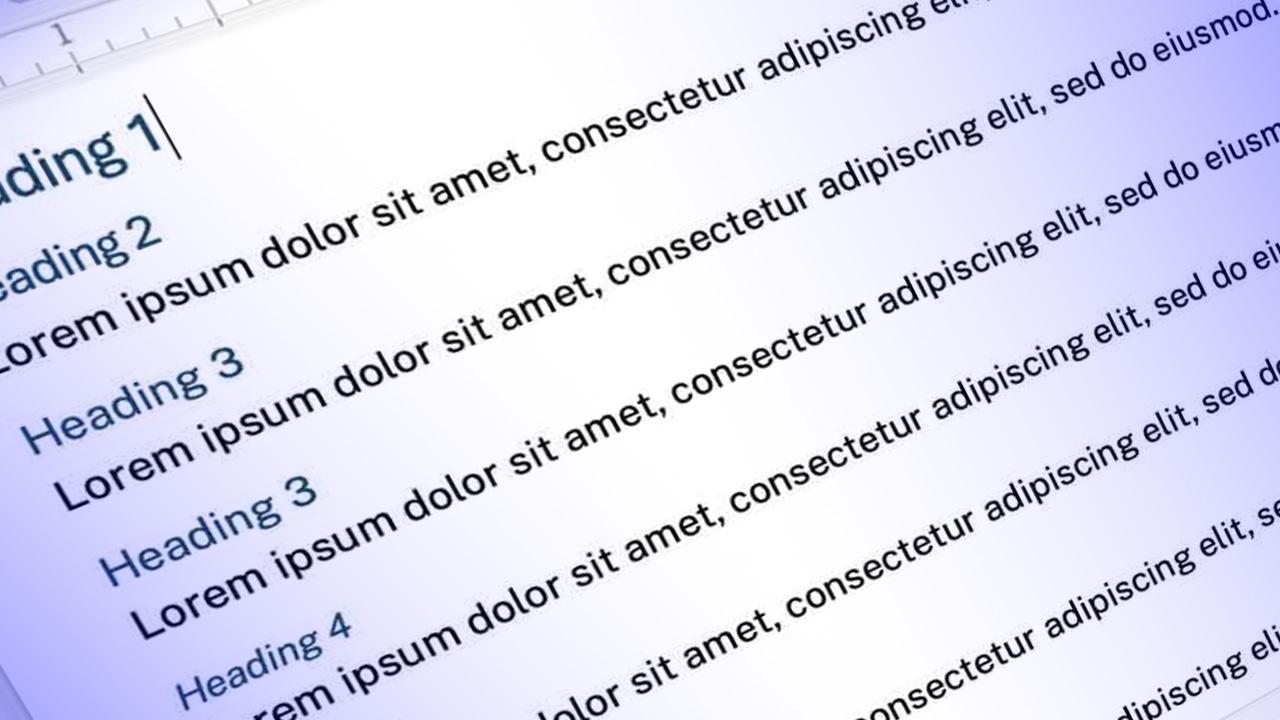
A clear heading structure works like an outline for your content.
- Heading 1 identifies the main topic.
- Heading 2 introduces major sections.
- Heading 3 and below break those sections into smaller topics.
This structure helps everyone understand how the information is organized and makes it easier to navigate.
Don’t skip heading levels
Headings should follow a logical order.
For example, a Heading 2 should follow a Heading 1. Jumping from Heading 1 directly to Heading 4 can make the structure confusing for screen readers and other tools that interpret the document structure.
Use built-in heading styles
In tools like Word, Google Docs, or in SiteFarm, always apply headings using the built-in styles rather than just making text bold or larger.
Built-in heading styles create the programmatic structure that accessibility tools rely on.
Good structure improves accessibility—but it also makes content easier for everyone to read and understand.